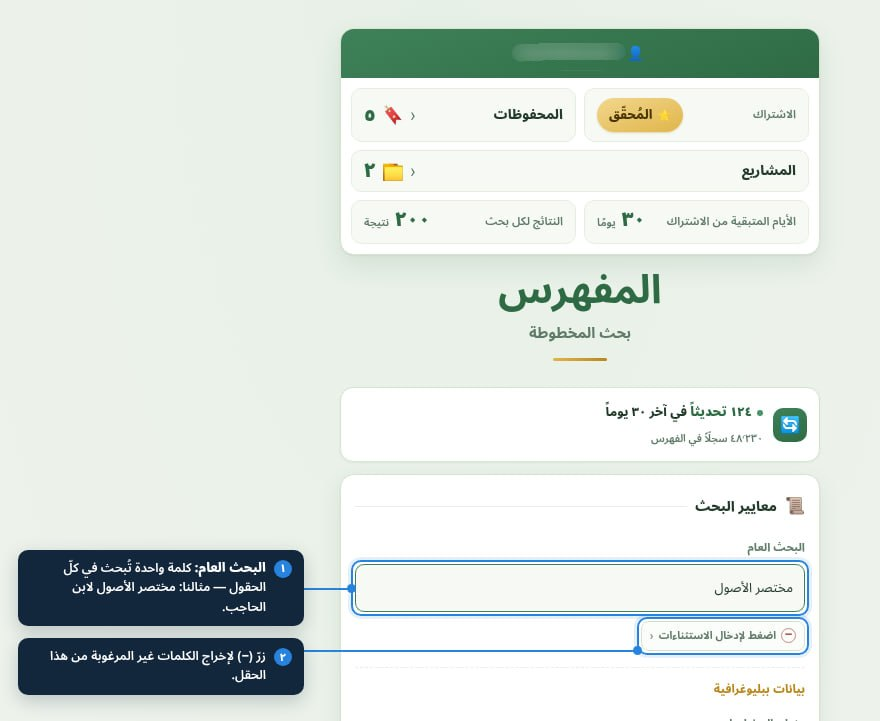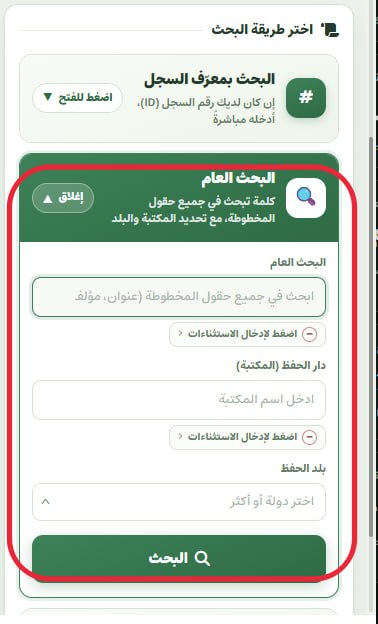
The “research office” in the Researcher plan turns a list of copies into a report ready for the introduction of an edition.

Watch the video · The video is in Arabic
In this video
- Add any copy from the search results to your project, with its siglum (A, B, C…) and its level of importance.
- Examine each copy against the weighting criteria: proximity to the author, attestation and integrity of the text.
- Set the weight of each criterion yourself according to your method, so the copies are weighed and ranked by your judgement, not by a ready-made template.
- Document every judgement with its evidence: the place of the collation note, the text of the samāʿ (audition) note and a sample of the corruption.
- Rank the copies and choose the base copy; we suggest an order, the decision is yours, and every change is kept in a log.
- Record your own reading of the catalogue data and, if you wish, send it to Al-Mufahris.
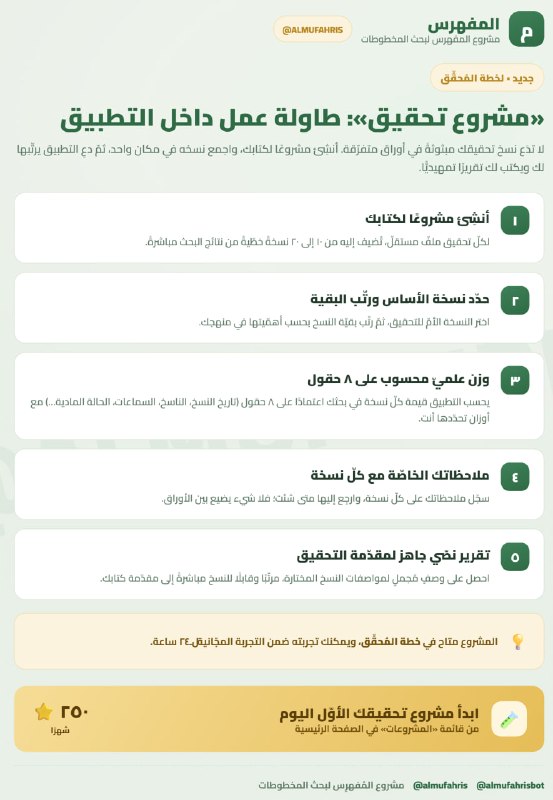
- Create a project for each book you are editing.
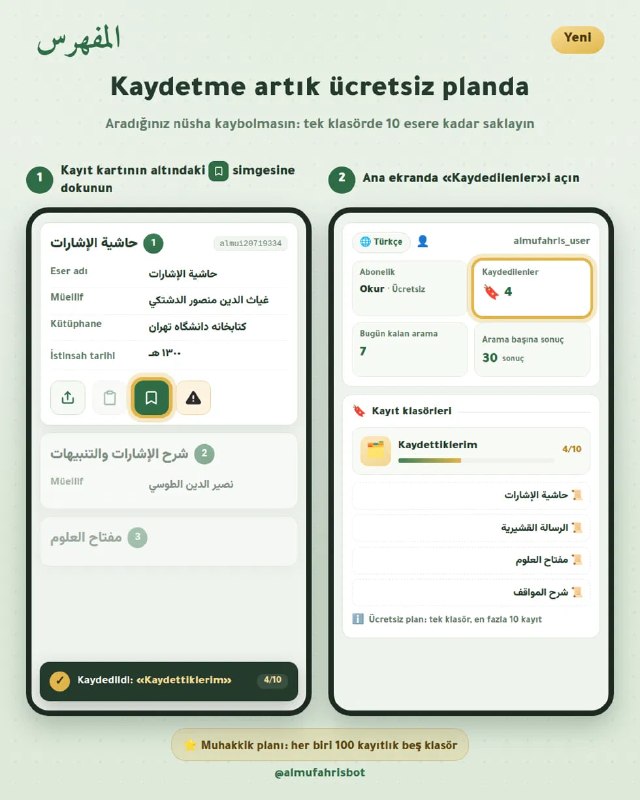
- Add copies to it from search results or your bookmarks (up to 20 copies).
- Choose the base copy and score each copy on eight weighting fields: date, script, audition notes, completeness, chain of transmission…
- Record your notes on each copy.
- Request a text report that gathers the copies, their criteria and their ranking, ready to paste into the edition's introduction.
The app suggests and never decides: the final judgement on the witnesses is yours, and the catalogue data is left untouched.